

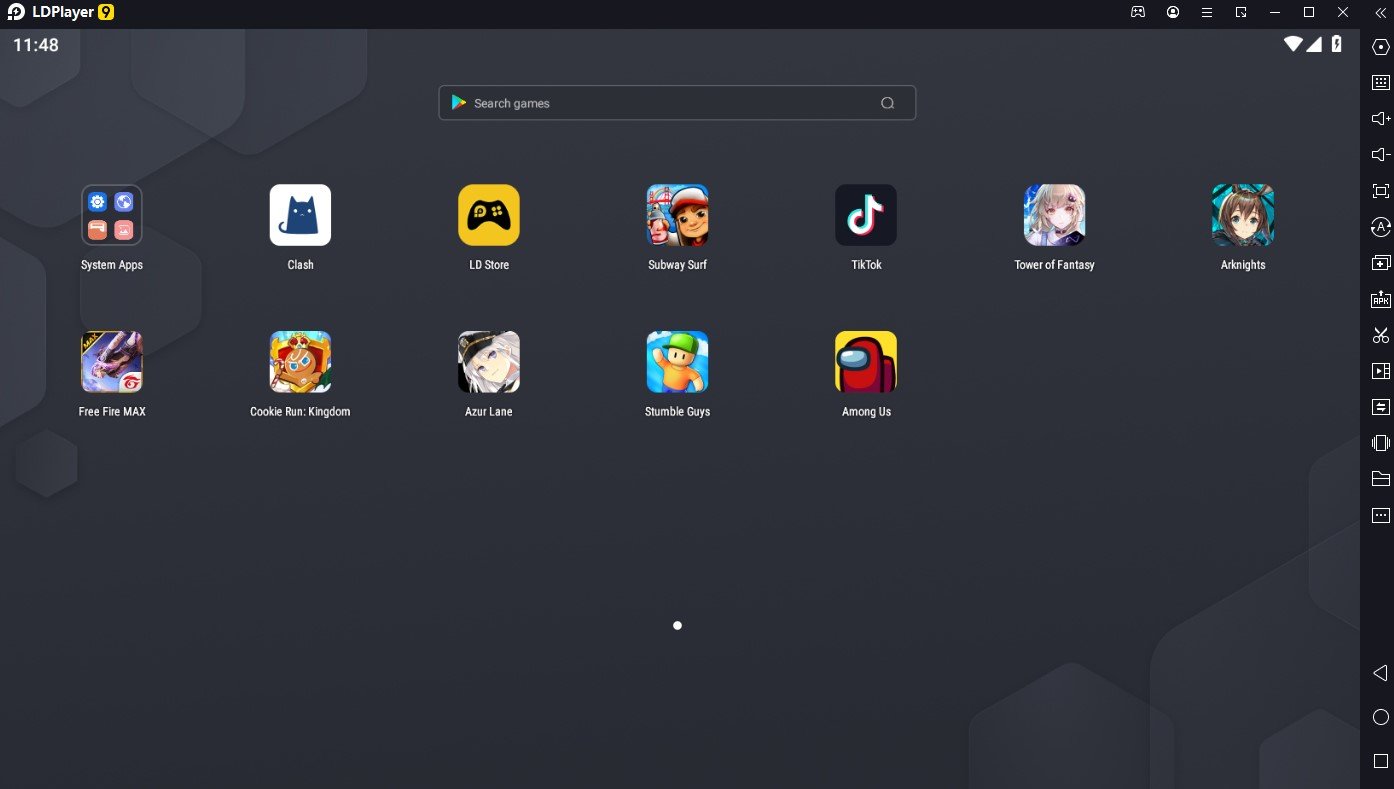
For PC gaming, prioritize the game’s supported route, update reliability, and input controls. A broad emulator can run many titles, but it cannot guarantee that every publisher allows or maintains emulator play. Try BlueStacks 5 or LDPlayer for general Android game access; use Google Play Games on PC when your game is listed there. Choose GameLoop only for titles it currently supports, and check the publisher’s emulator policy.
Choose by the game, not by headline FPS claims
Game catalogs, anti-cheat systems, account rules, and control profiles differ. A high frame-rate slider does not prove that a game will run at that rate or that its publisher supports the emulator. Start with the official PC catalog if the title appears there; otherwise use the game publisher’s policy and emulator compatibility notes as your filter.
Options by task
| Option | Good fit when | Keep in mind |
|---|---|---|
| BlueStacks 5 | Broad Android game access and configurable controls | Verify the specific title and its rules. |
| LDPlayer | A second gaming-focused option to compare | Compatibility and controls vary by game. |
| Google Play Games on PC | A listed title with a supported PC build | Only includes games made available in its catalog. |
| GameLoop | A game currently in its PC catalog | Not intended as a universal app environment. |
A practical setup check
- Search the game in Google Play Games on PC and the emulator’s official catalog.
- Check the game’s support page for emulator or keyboard-and-mouse rules.
- Install from the official emulator site and test controls in a practice mode before using a competitive account.
Common questions
Which emulator gives the highest FPS?
There is no trustworthy universal winner. Results vary with PC hardware, settings, game build, and thermal limits.
Can I use macros in a competitive game?
Check the game rules. Automation can violate a publisher’s terms even when the emulator includes a macro feature.
Sources for this guide
I used the product or platform documentation below for compatibility and policy details. Check the linked source before making a setup decision, since support can change.
Need the full comparison? Visit the broad comparison of game emulators. For a related setup, read Game-by-game emulator choices and Keyboard and mouse mapping.