
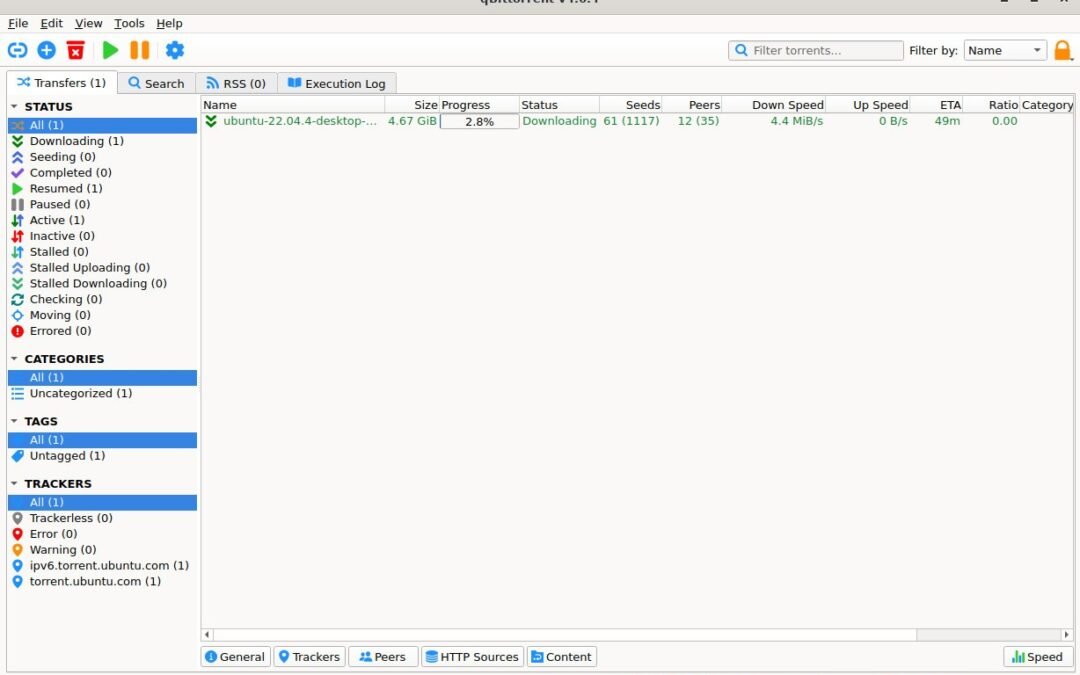
A torrent client is the software that manages a BitTorrent transfer. It is not a torrent directory and cannot tell you whether a file is official, safe or lawful to share. For ordinary desktop use, qBittorrent, Transmission and Deluge are established open-source options. Choose by the features and operating systems you need, then download only from the client’s official project.
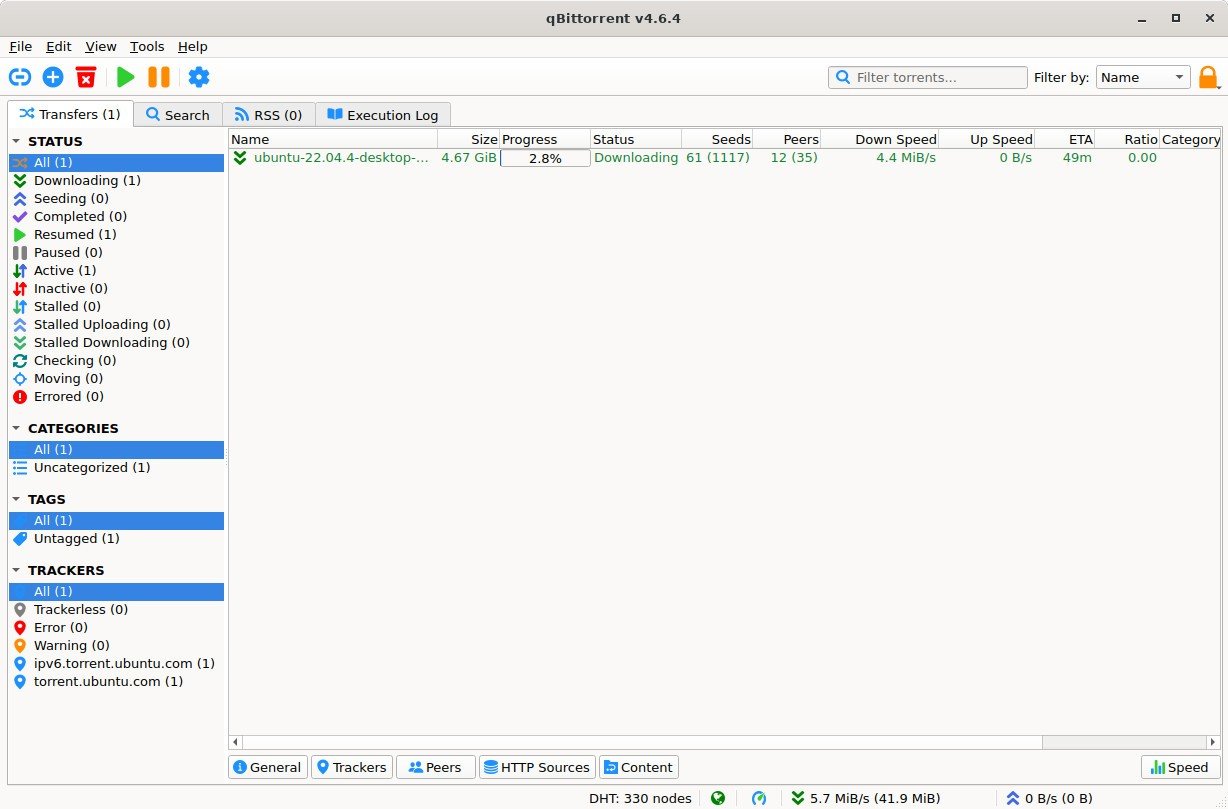
Quick comparison
- qBittorrent: a cross-platform open-source client with a familiar desktop interface and optional advanced tools. A straightforward first choice for users who want a full-featured desktop app.
- Transmission: an open-source client with desktop and remote-management options. It suits people who prefer a simpler interface or want a lightweight service on a supported system.
- Deluge: an open-source client with a modular design. Its plugin approach can suit users who want to add features, though setup may be less immediate for beginners.
How to choose a client
Check that the current release supports your operating system and get it from the project’s official download page or a trusted package repository. Compare the settings you will actually use: bandwidth limits, queueing, file selection, remote access and whether the interface feels clear. Avoid installers from third-party download portals that add unrelated offers.
Use a client safely
Start from the publisher’s official page when looking for a torrent. If a project provides a checksum or signature, follow its verification instructions after the transfer. Do not open unexpected executables or disable security tools because a download page recommends it. Seeder counts and client labels are not proof of a file’s origin.
Client, source and protocol are different
BitTorrent is a peer-to-peer protocol. A client uses a torrent file or magnet link to exchange pieces with other peers. A website may index a link, but the publisher’s permission is a separate issue. Use the protocol for files you are authorised to download and redistribute.
Related guidance
For legitimate sources, read our legal torrent-source guide. To check a file, see the torrent verification guide. Official client references: qBittorrent, Transmission and Deluge.