
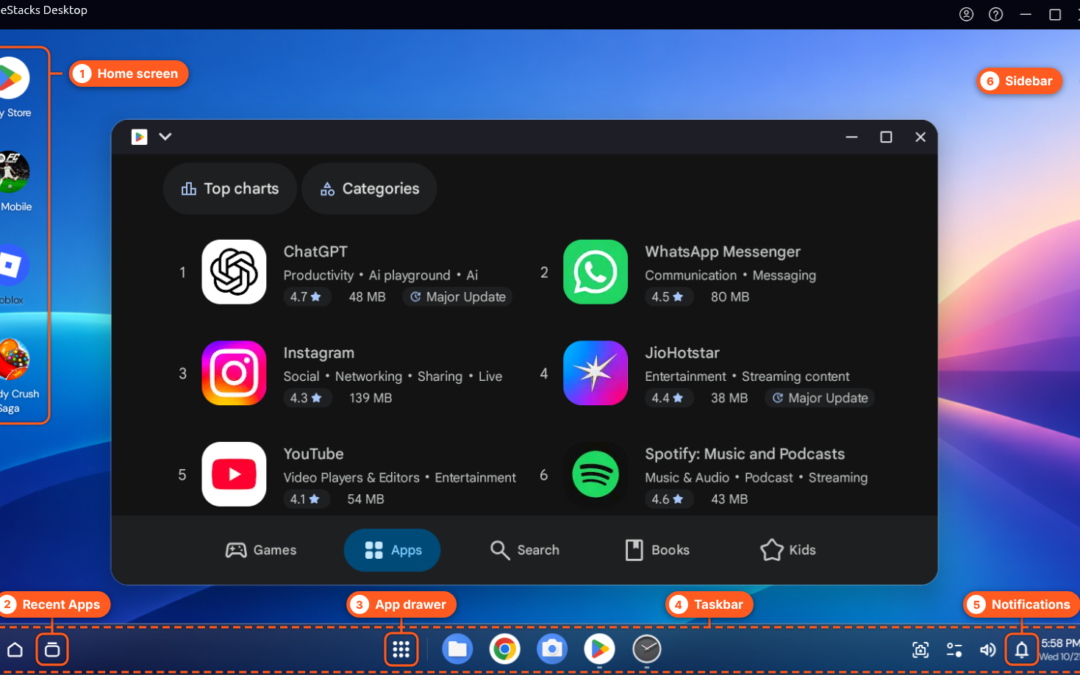
There is no single Google Play Store app that installs on every Windows or Mac computer. Google Play is built for supported Android devices and some Chromebooks. On a Windows PC, Android apps may be available through a compatible emulator or through Google Play Games for PC for supported games and hardware; availability depends on the app and region. macOS does not have a general Google Play desktop client.
Choose the route that fits the app
- Android apps and games on Windows: Compare a reputable Android emulator in our Android emulator guide. Check the emulator’s official requirements and whether the app supports emulator use.
- Supported Android games: Google Play Games for PC is a separate Google product with its own supported-game catalog and PC requirements. Check Google’s official Google Play Games page before installing.
- ChromeOS laptop: Some Chromebooks support Android apps through Google Play, but support varies by device and administrator settings. ChromeOS Flex does not support Google Play or Android apps.
Using Play Store inside an Android emulator
Some emulator builds include Google Play and Google services; others do not. Install the emulator from its official website, review its setup and privacy information, and use the Play Store only if it is included and supported by that build. Avoid downloading standalone Play Store APKs from unfamiliar sites or entering account credentials into unofficial copies.
After signing in, app availability still depends on the developer’s compatibility settings, region, device profile and Google certification. An app that appears in the store may not work correctly in an emulator, and some games or apps block virtual devices.
Why the old “install Play Store on PC” steps fail
A desktop browser cannot simply install the Android Play Store as if it were a Windows or Mac application. Emulators provide a virtual Android environment, while Google Play Games for PC is limited to supported games. These options have different catalogs and requirements, so choose based on the specific app you need.
For a ChromeOS-style system on an existing computer, see our ChromeOS Flex guide and note its Android-app limitation. If you are considering a Chromebook instead, browse our Chromebook buying guide.